Ali review
AliExpress wall-mounted router box: clean cables before they take over the floor
A practical look at an AliExpress wall-mounted router cable box: wall mounting, heat, cable bends, and how it differs from a mesh-router bracket.
Router corners get messy in a very specific way. A router starts on the floor or beside the TV cabinet, then an optical modem, set-top box, power adapter, and a few Ethernet cables join it. Suddenly one corner becomes the internet equipment zone.
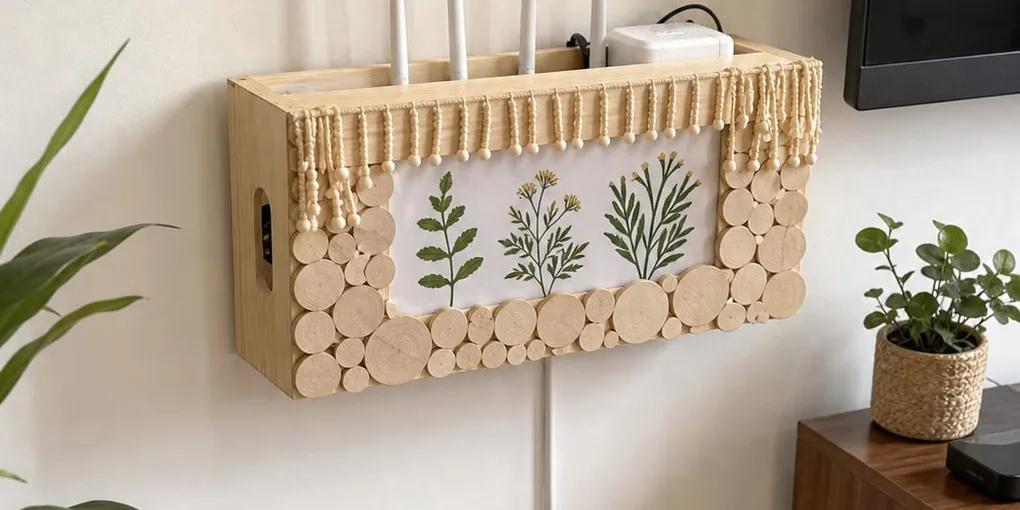
The product I would check first is this wall-mounted router cable-management box. It is not a networking upgrade. It is a way to lift small devices and cable clutter off the floor and give them one controlled place on the wall.
Wall Mounting Comes First
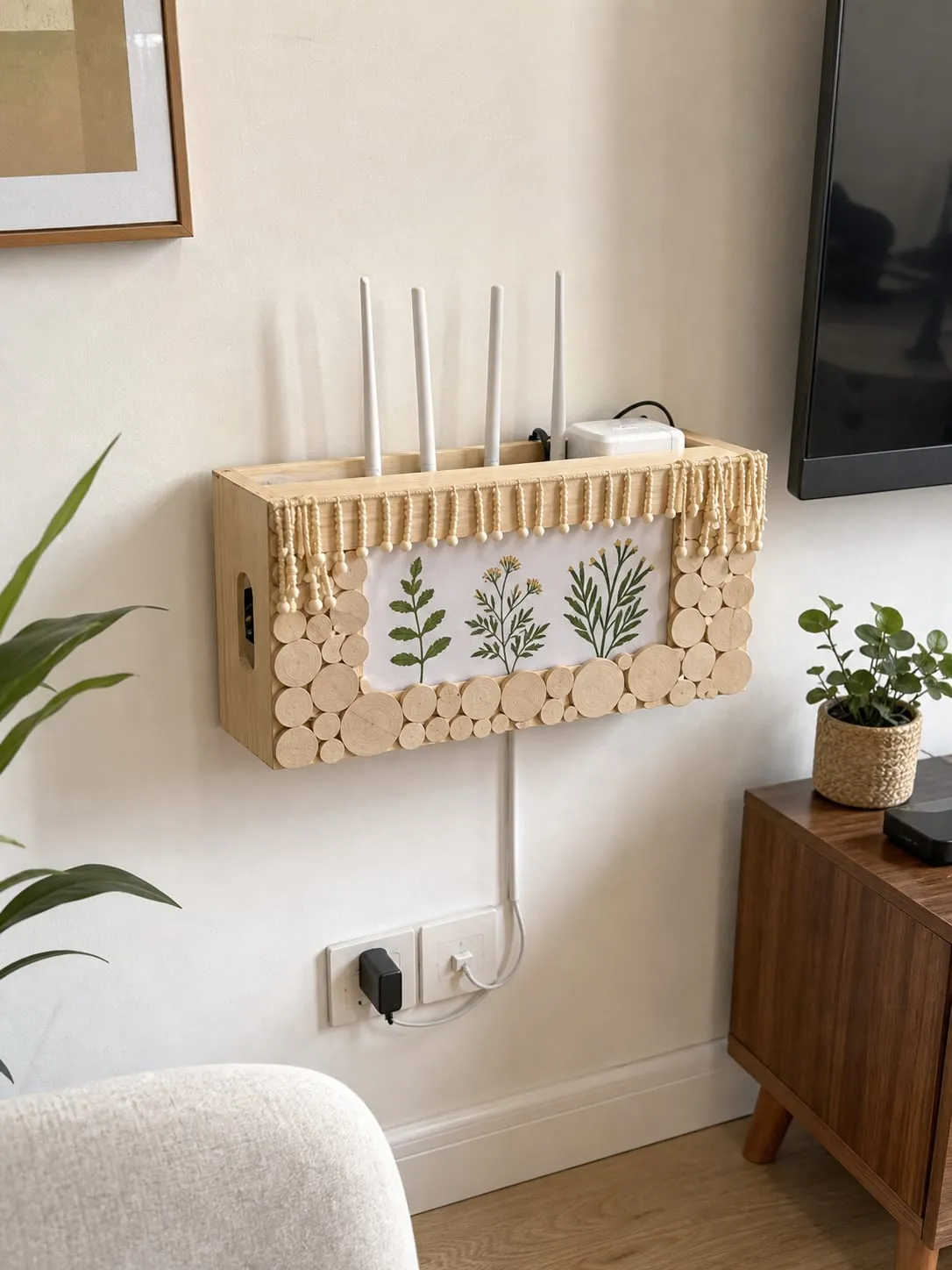
With this category, the wall matters more than the design. You may not be holding only a router. A modem, adapter, cable bundle, and shelf body can all add weight. Concrete or brick with proper anchors is the most straightforward setup. Drywall, thin panels, wallpaper, and weak paint need more caution.
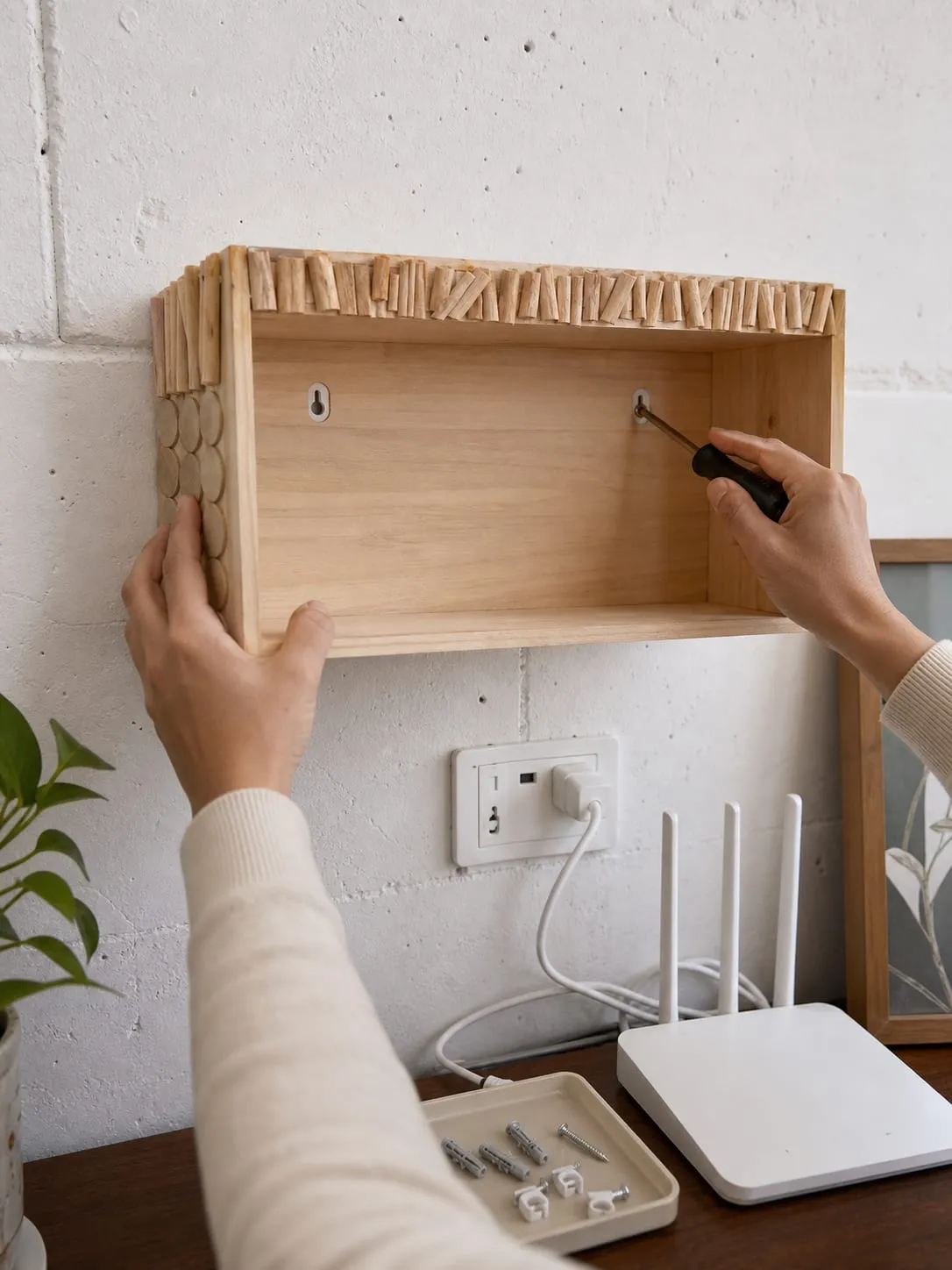
Adhesive mounting sounds convenient, but I would not make it the default for a router and modem setup. It may be reasonable for a very light streaming device on smooth tile, but networking gear above the floor deserves a more secure mount.
Think About Heat Before Hiding It
Routers and optical modems stay on all day. They are not dramatic devices, but they do run warm. Once you put them into a box or cover, airflow changes, so clearance matters more than the decorative front panel.
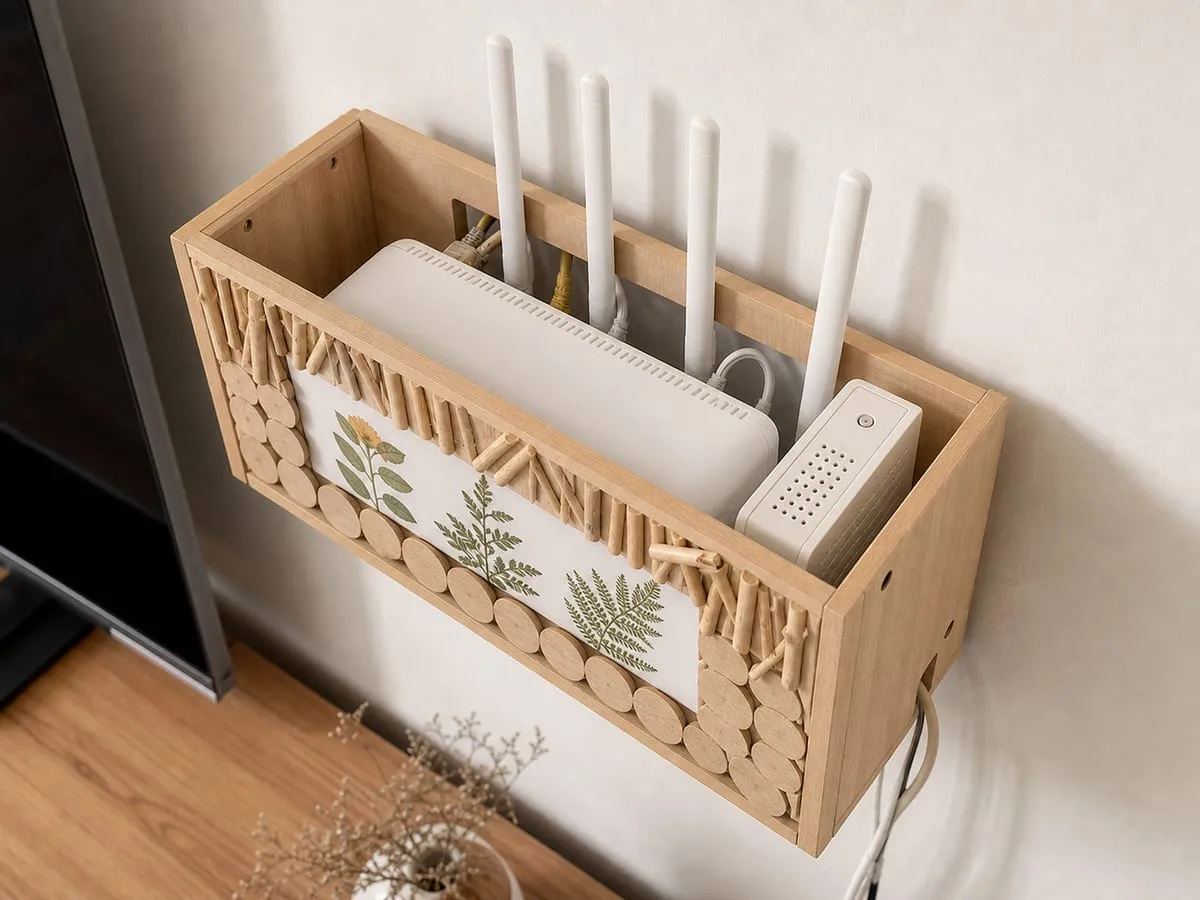
Do not block side, bottom, or rear vents. Avoid stacking a power brick on top of a router, and do not pack extra cable coils tightly inside the box. If a router already feels hot on an open table, a hidden box may be the wrong direction.
Cable Cleanup Is Not Magic
A wall box does not make cables disappear by itself. The outlet, fiber line, LAN port, and power adapter still decide where the wires go. The box mainly gives the devices a home and makes the cable path easier to control.
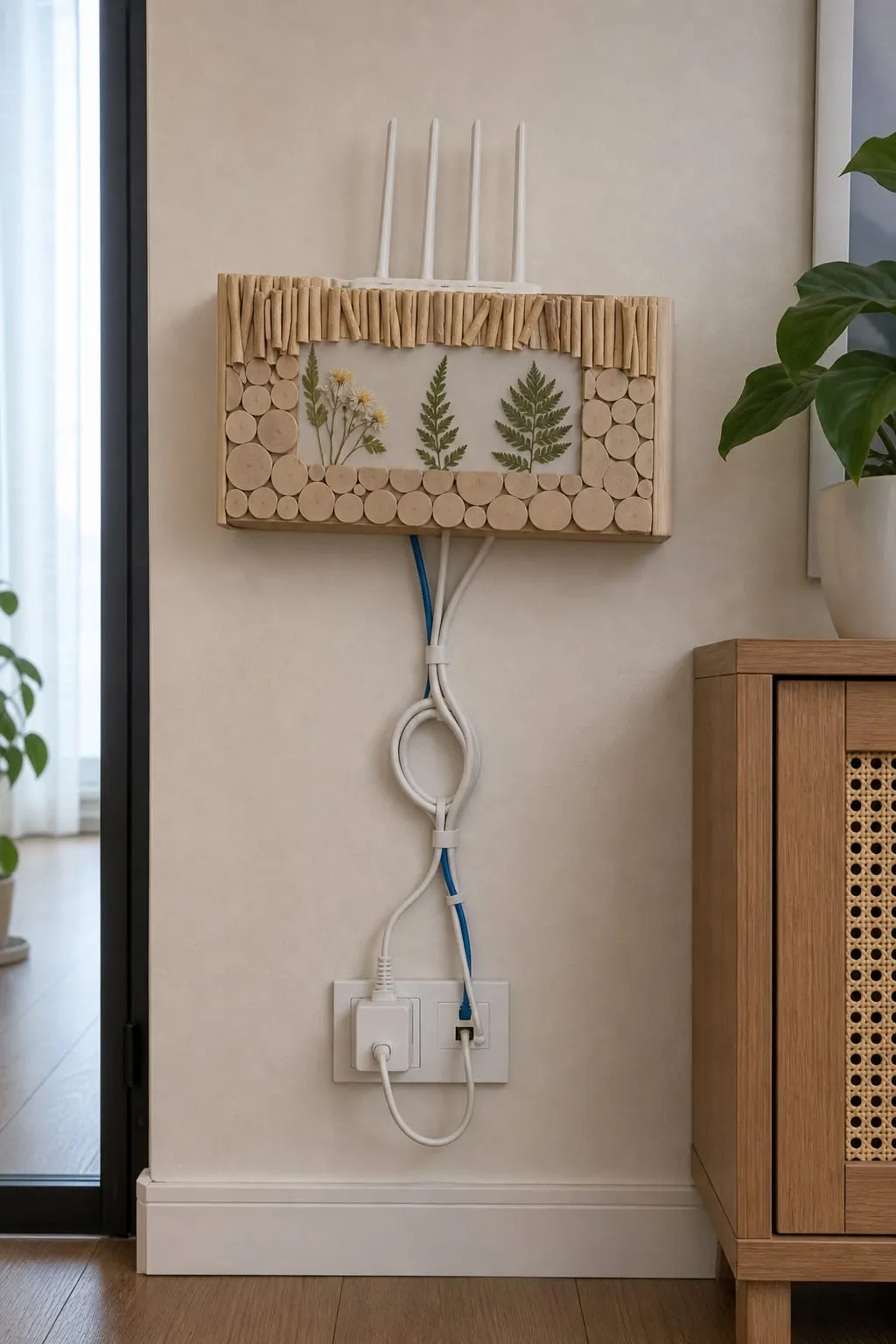
Ethernet cables should not be pulled tight, and fiber lines should not be bent sharply. Loose service loops are better than tight knots because you still need to move equipment for troubleshooting later.
Size Checks Matter More Than The Photo
Product photos can make most routers look like they will fit, but the real problem is usually behind the device. Measure the router body, antenna height, power plug, Ethernet connector clearance, and the bend radius for cables.
If you plan to hide a modem, router, switch, and adapter together, be extra conservative. A crowded box can look cleaner while making heat and maintenance worse. Leaving more empty space than the photo suggests is often the better setup.
A Mesh-Router Bracket Is A Different Tool
If you only want to wall-mount one compatible puck-style mesh router, a mesh-router wall bracket can look cleaner. It holds the one device closely and routes a short cable neatly.
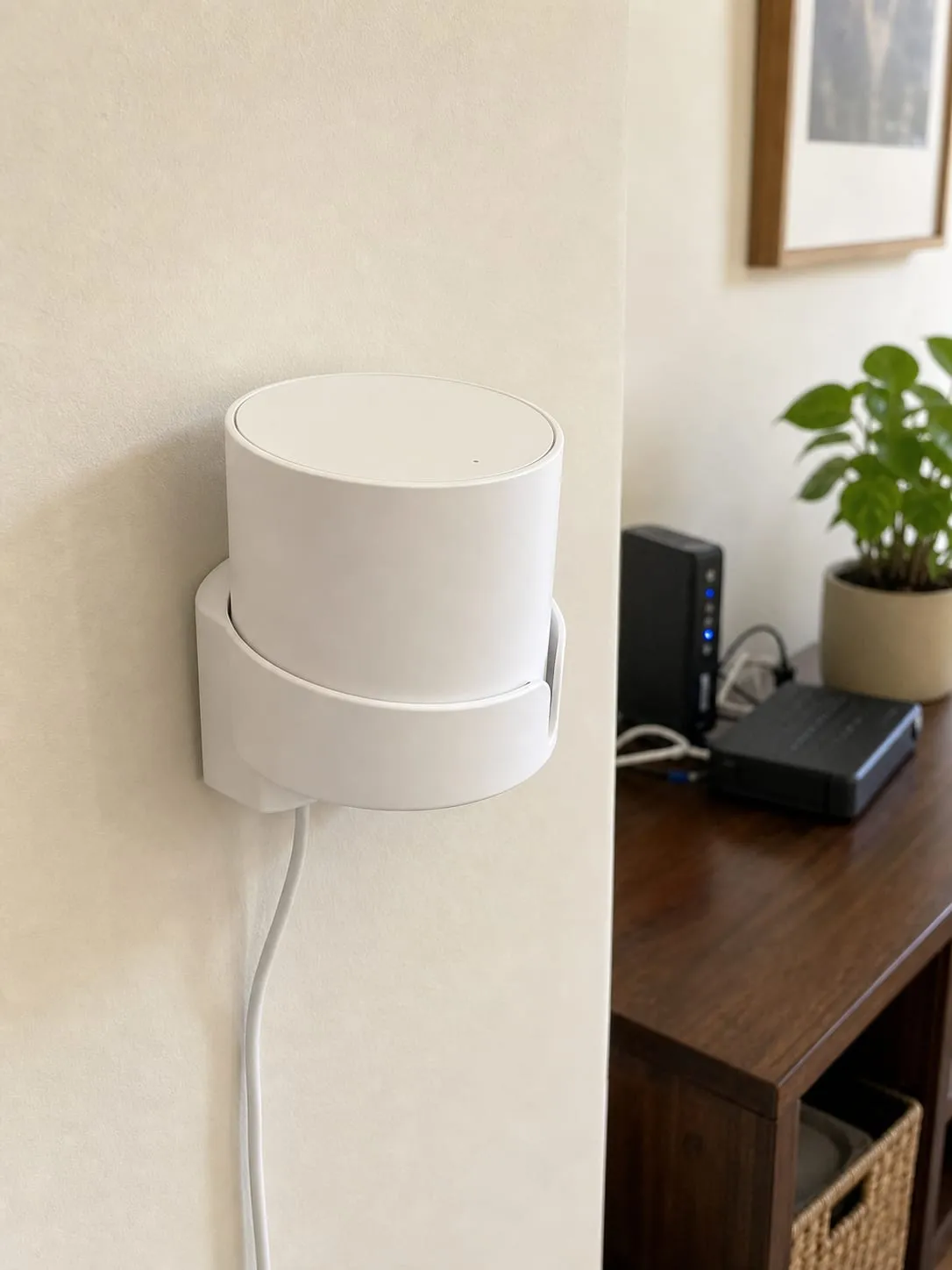
The tradeoff is that it is model-specific. It will not organize a modem, power adapter, power strip, or general router cable mess. A fitted bracket and a cable-management box solve different problems.
Who Should Look At It
The wall-mounted router cable-management box is worth a look if your router and modem sit on the floor and make cleaning annoying. It fits areas like an entryway network outlet, beside a TV cabinet, or under a desk where small devices and cables gather.
I would skip it if you cannot screw into the wall, if the router runs hot, if you use a large antenna-heavy router, or if the only good-looking mounting spot is bad for Wi-Fi signal. Equipment stability comes before hiding everything.
Final Take
A wall-mounted router box is an organization product, not a way to improve your connection. If the wall can hold it, the devices fit with airflow, and the cables can bend naturally, it can make a messy router corner much calmer.
But hiding everything in a box is not automatically better. If heat, wall material, or cable routing feels questionable, an open shelf or a model-specific bracket may be the better answer.