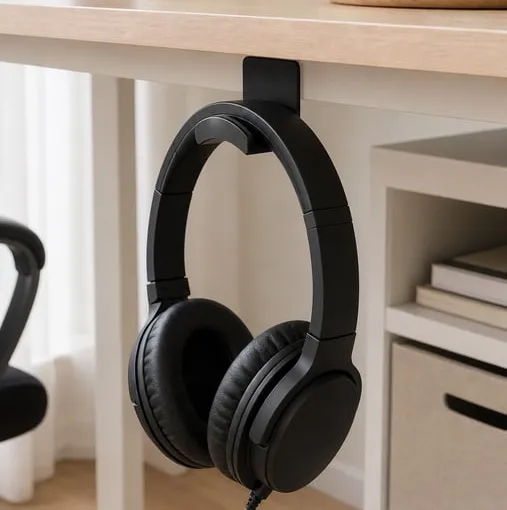
Ali review
An under-desk headphone hook is mostly about the desk surface
A practical AliExpress review of an under-table headphone hook, covering adhesive surface fit, dusty desk undersides, knee and chair clearance, one-headset use, residue risk, and screw-mount cautions.
A headset can eat up more desk space than expected. It gets pushed beside the keyboard, cable slack drifts across the work area, and a small desk starts to feel busier. A small under-desk hook is one way to move one headset out of the main surface area.
The product here is an under-table headphone hook. Based on the product photos, it is a compact black or white hook that can be attached under a desk, on a wall, or near a PC area to hold one headset.
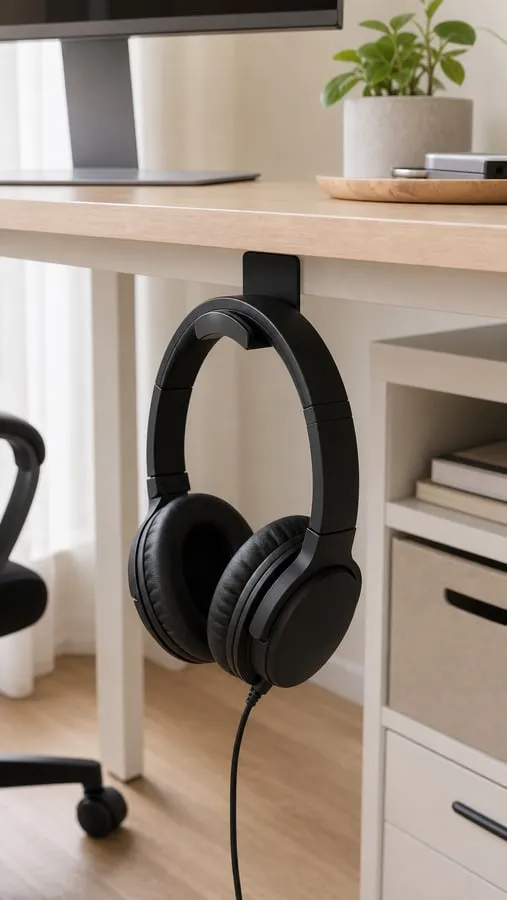
It is a desk hook, not audio gear
This is not audio equipment and not a special protection product. The useful angle is simple: move one headset off the desktop so the mouse, keyboard, notebook, or laptop area feels less crowded.
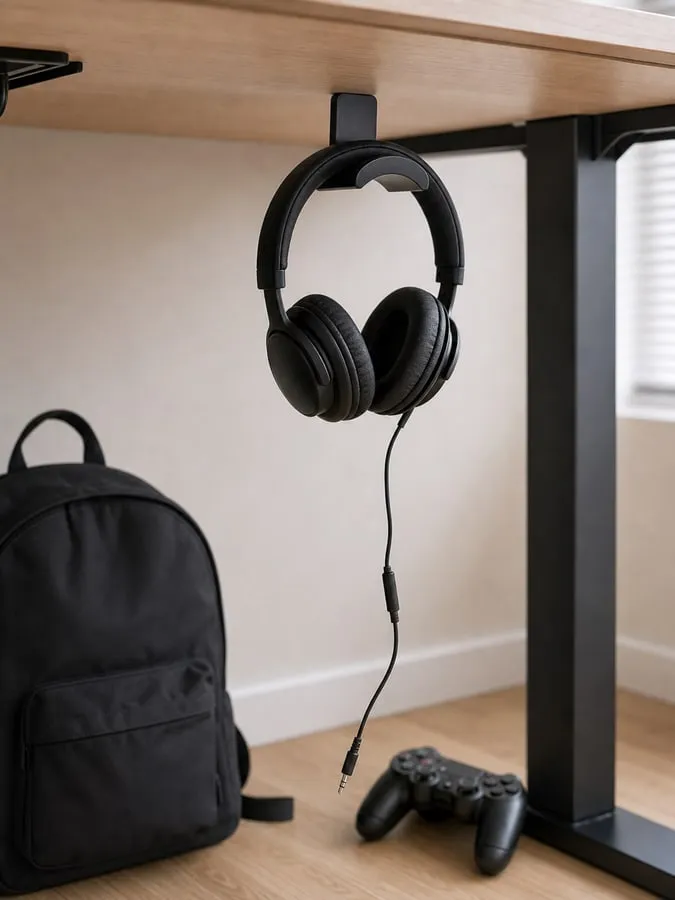
The sensible load is one ordinary headset with a relaxed cable. Do not treat it as storage for backpacks, keyboards, controllers, VR headsets, or multiple headphones.
Placement matters before adhesion
Before thinking about adhesive strength, check the position. Under a desk, knees, chair arms, drawers, cable trays, frame rails, and loose cables all compete for space.
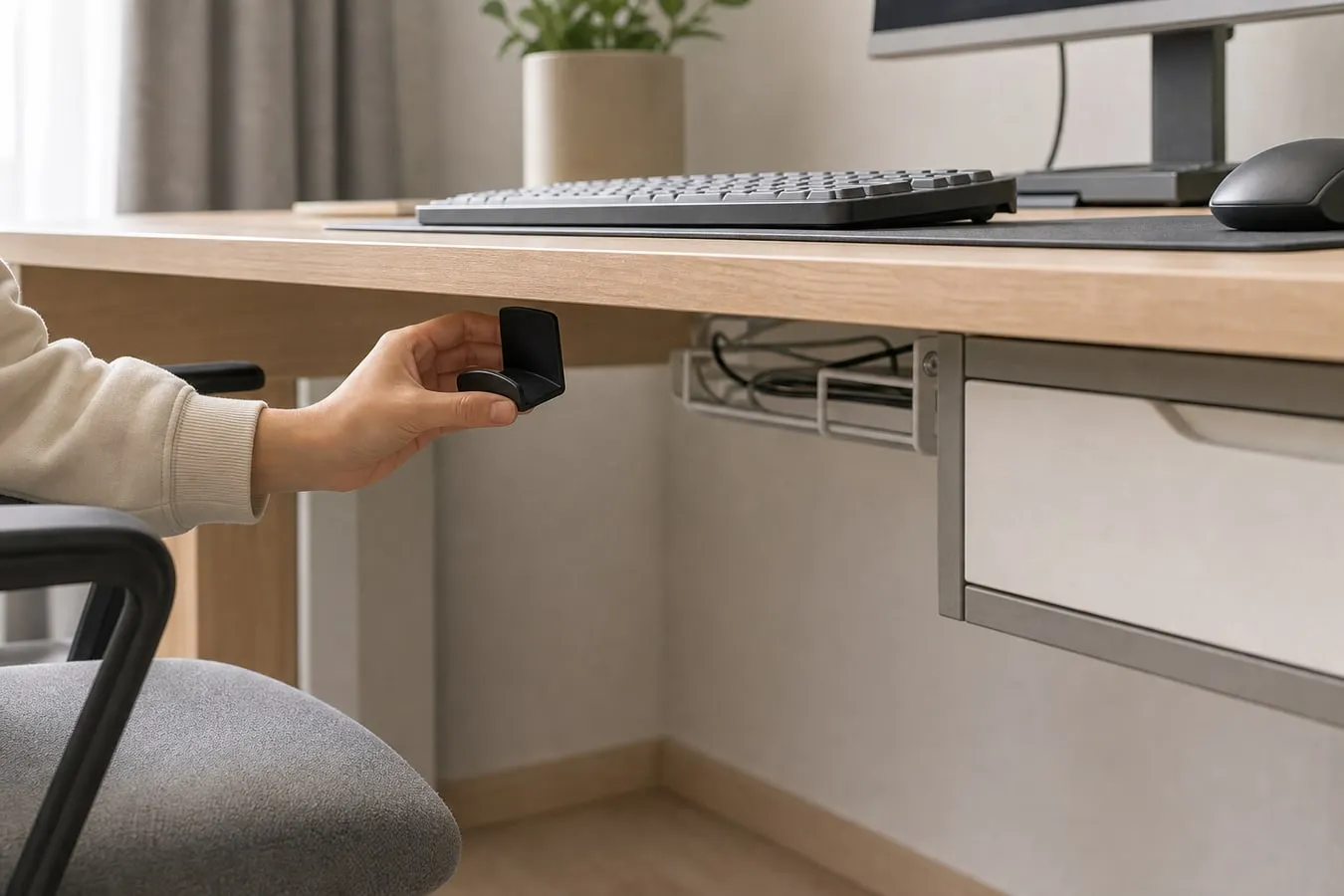
The hook is small, but the headset hanging from it is not. Make sure the headset will not get hit every time the chair slides in or a drawer opens.
Adhesive needs a smooth sealed surface
The adhesive version is most realistic on a smooth, clean, dry, sealed surface. Smooth laminate, sealed wood, painted metal, or a well-finished desk underside are better matches than rough material.
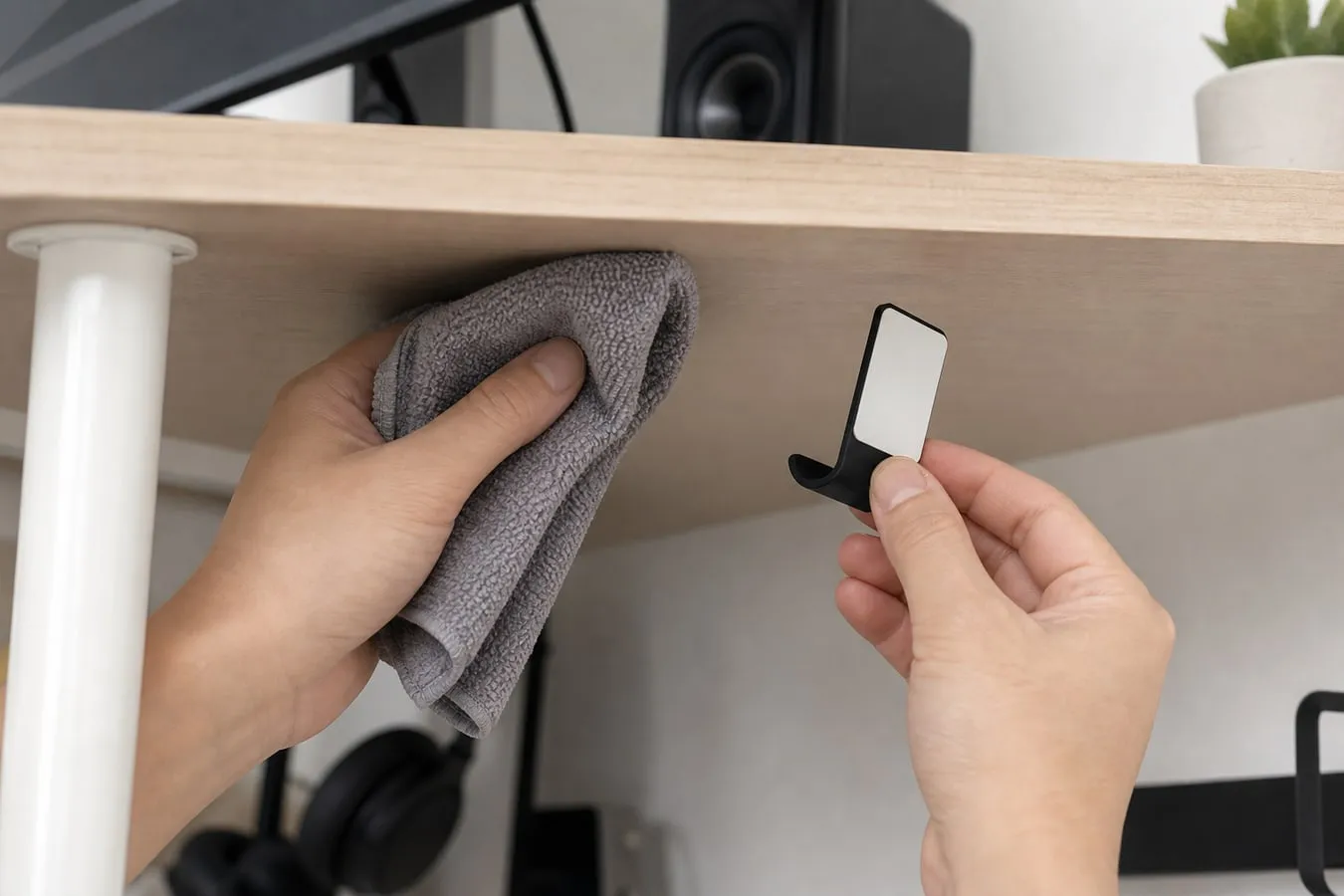
Desk undersides are often dustier and rougher than the top surface. Clean first, let the surface dry, and make sure the adhesive pad can sit fully flat.
Do not load it immediately
After attaching the hook, avoid hanging the headset right away. Check that the pad is evenly pressed, no corners are lifting, and the desk underside is not weak or peeling.
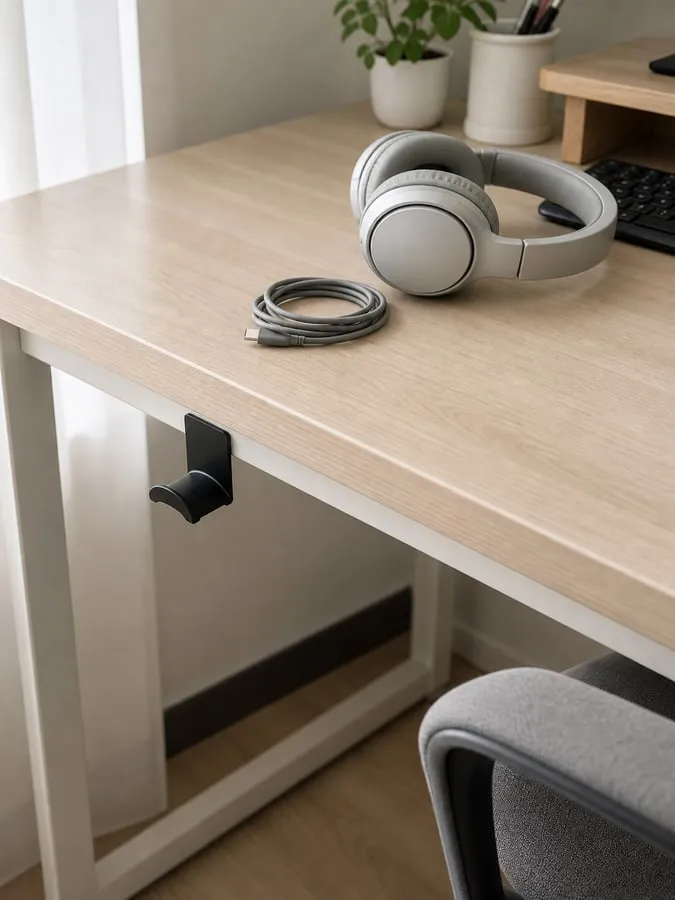
Also avoid wrapping or pulling the cable tightly around the hook. Repeated cable tugging can stress the adhesive more than the headset weight itself.
Rough undersides are a bad match
Raw wood, dusty particleboard, textured veneer, peeling laminate, curved surfaces, grooves, and fabric panels are poor candidates for an adhesive hook.
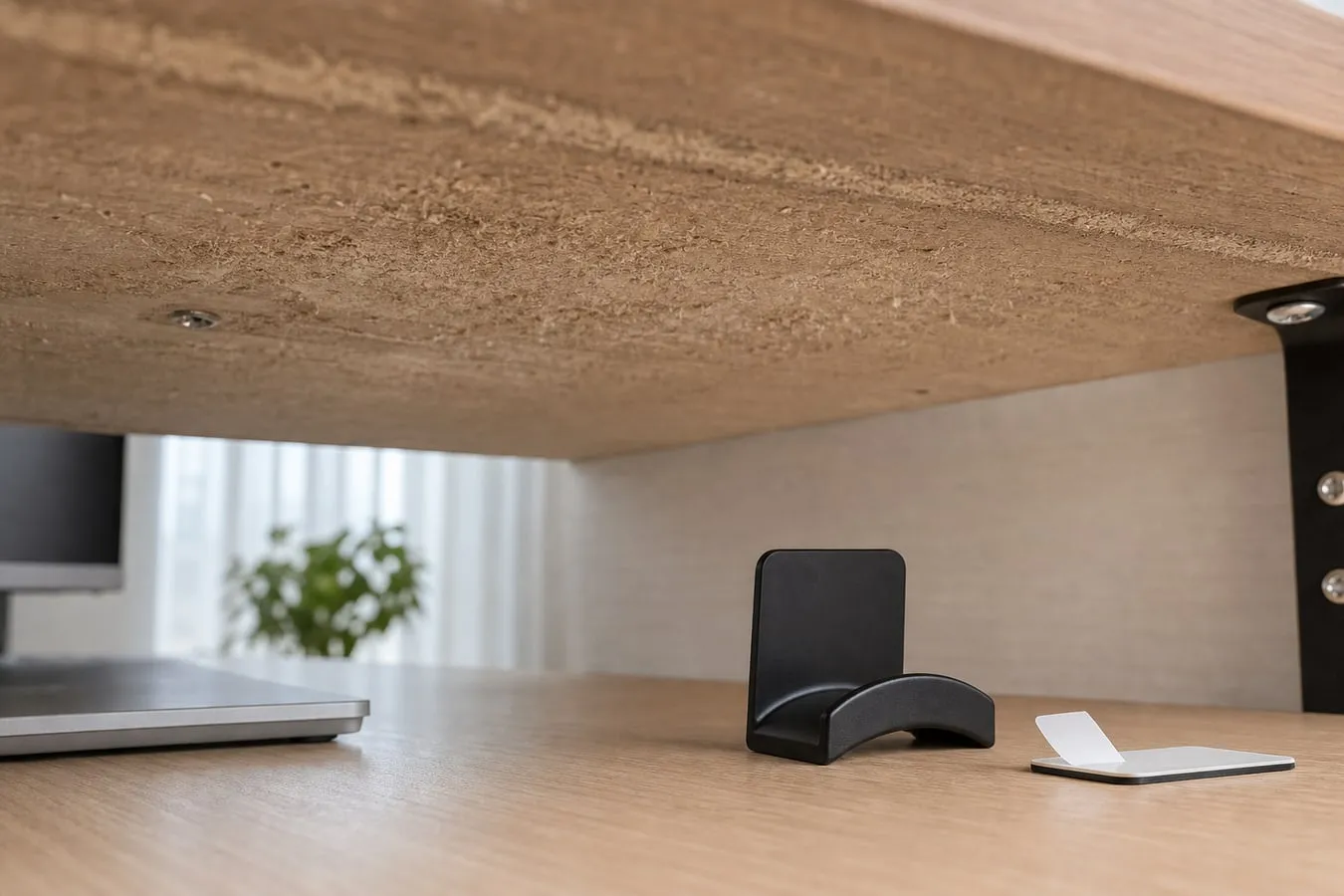
If the desk finish is already weak, the surface may fail before the hook does. That is especially worth considering on furniture where finish marks would bother you.
Removal and screws both have tradeoffs
Adhesive removal can leave residue. It can also lift paint, veneer, laminate, or decorative film if the surface is weak.
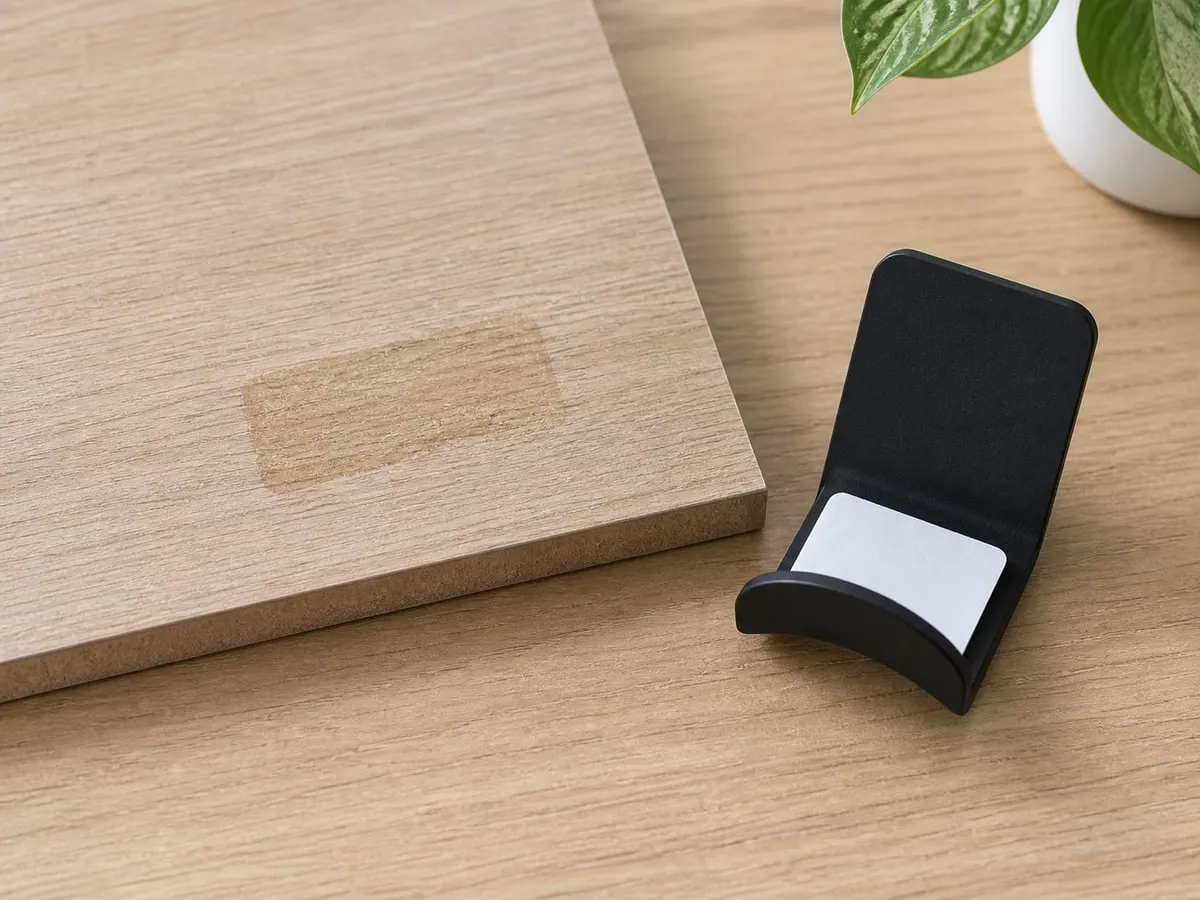
If the selected option includes screws, that is not automatically simple either. Check desk thickness, hollow-core tops, screw length, hidden wiring, and frame locations before drilling.
Verdict
The under-table headphone hook is worth considering when one headset keeps cluttering the desktop. The important checks are the desk underside, placement, knee and chair clearance, cable slack, and removal risk.
If the underside is rough, dusty, peeling, crowded with frames, or too close to your knees, another holder will be easier to live with.