Ali review
A Small Shelf on Top of the Monitor: Useful, But Only on the Right Screen
A practical AliExpress look at a screen-top shelf for remotes, with cautions about screen thickness, rear support angle, monitor arms, and router use.
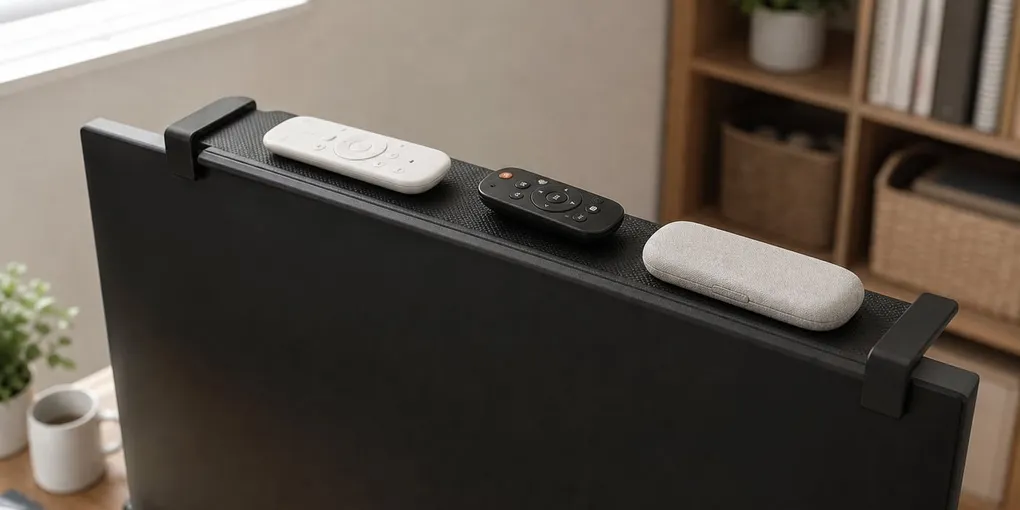
Remote controls and small desk items have a way of spreading out everywhere. A screen-top shelf tries to use the empty strip above a monitor or TV, giving you a small tray for remotes, dongles, a glasses case, or a very light media accessory.
The main product I would look at is this Adjustable TV Screen Top Shelf. It is not a heavy-duty shelf. It is more like a small parking spot for lightweight things that keep drifting around the room.
It Makes Sense For Remotes
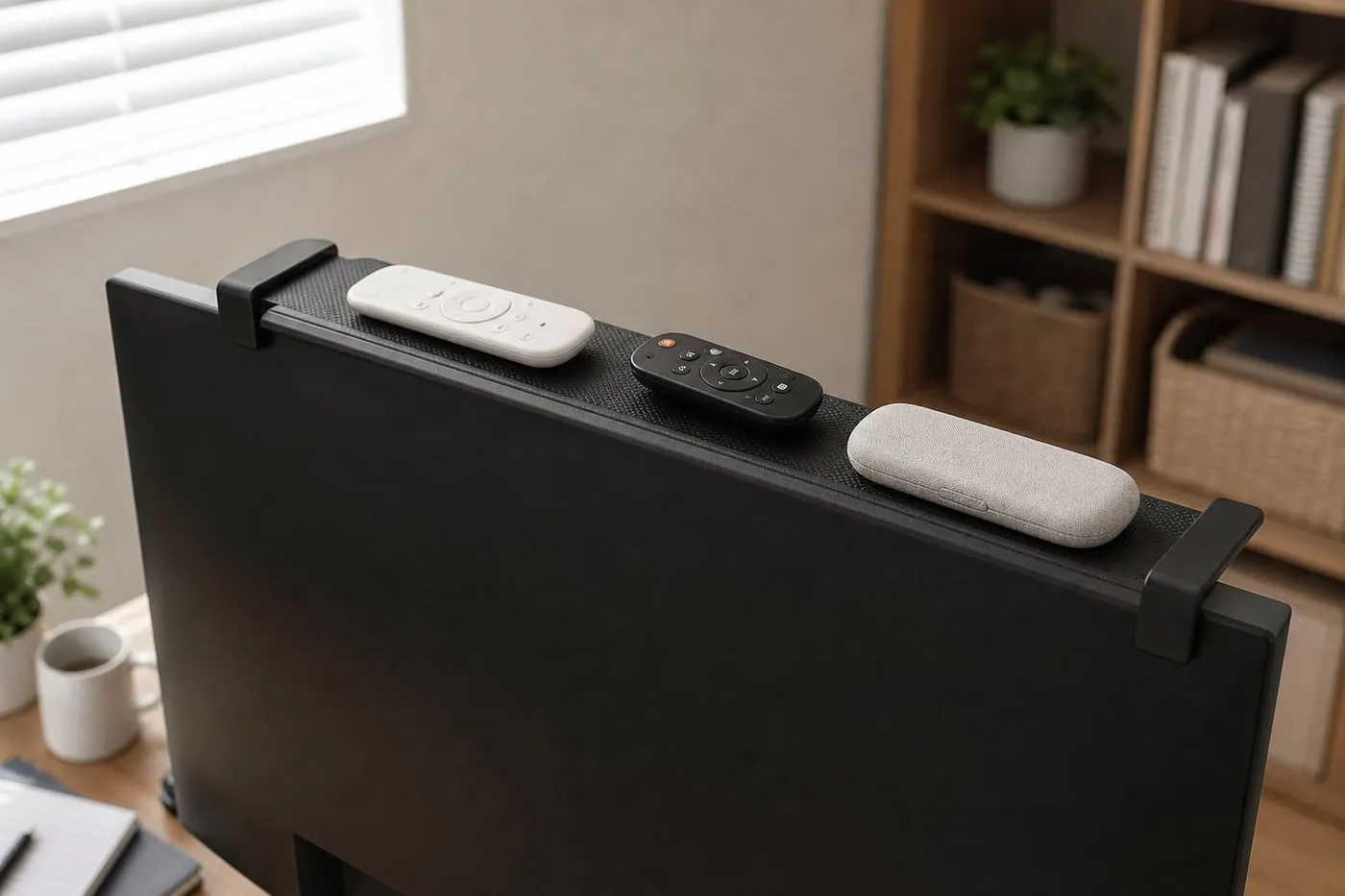
For remotes, the idea makes sense. Instead of letting them sit on the desk or TV console, you move them above the screen where they are still visible and easy to grab.
The important part is expectation. This is a shallow plastic tray, not a storage rack. Heavy, hot, tall, fragile, or cable-tugged items should probably live somewhere else.
Check Screen Thickness First
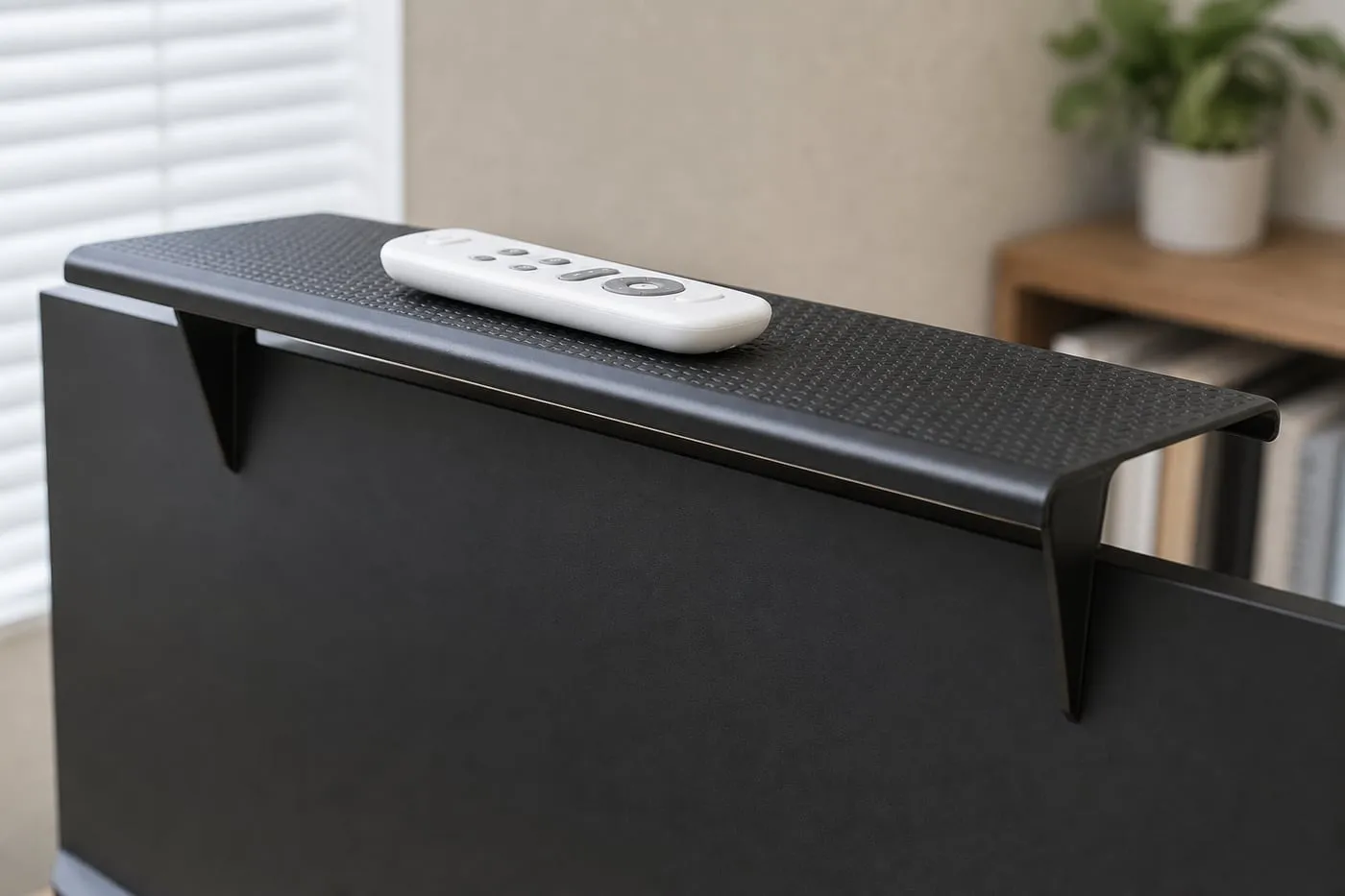
The first thing to check is monitor thickness. These shelves need enough top-edge depth for the front lip and rear support to sit securely. If the monitor has a razor-thin bezel, a curved back, or a very sloped rear panel, the shelf may not sit level.
The rear support angle matters just as much. The tray should sit close to level, and the rear legs should press cleanly against the back of the screen. If the rear support touches only one curved bump, the shelf can wobble or slide.
Router Use Needs Caution
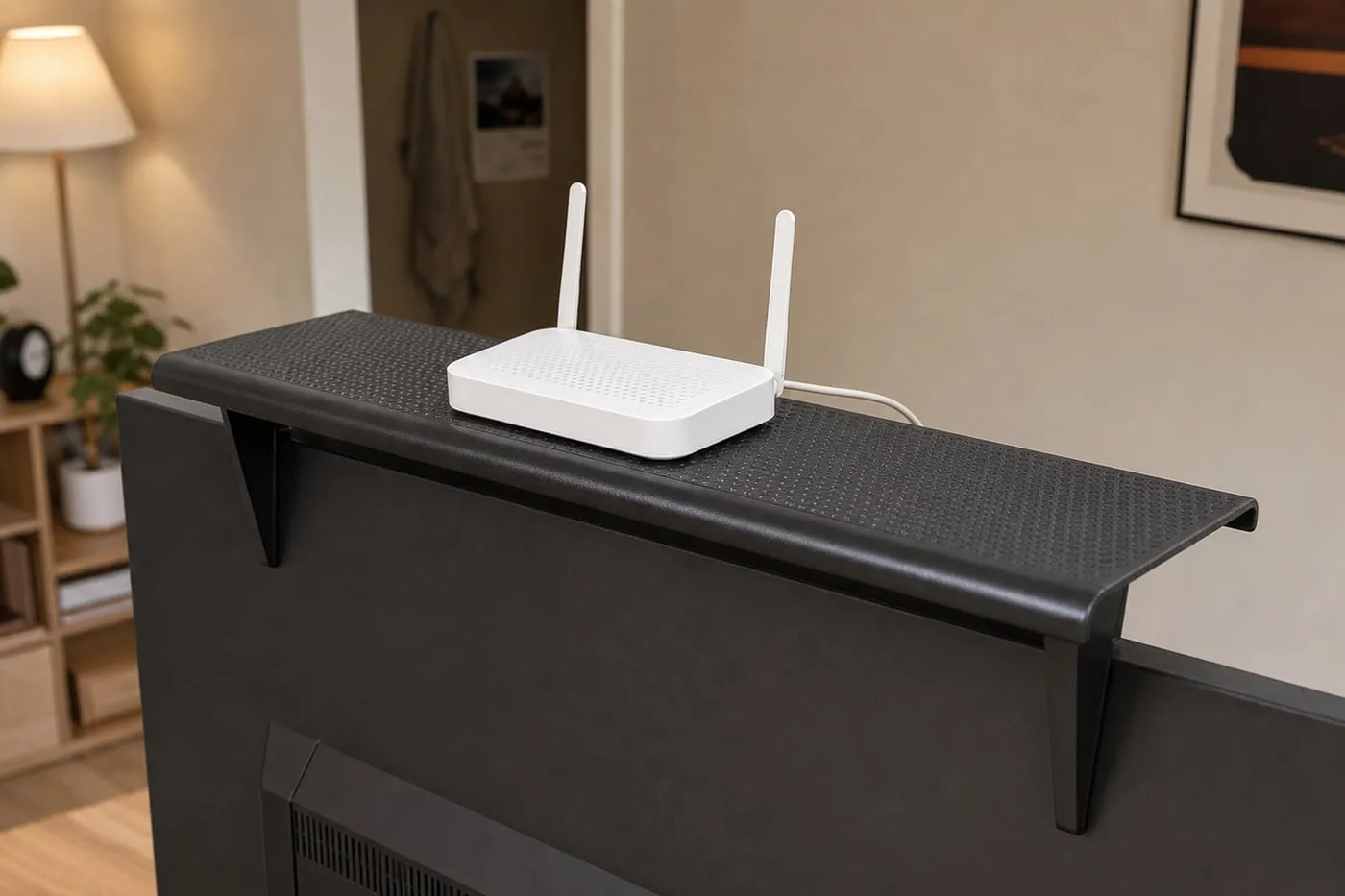
The listing language points toward routers and media boxes, but I would treat that carefully. A small lightweight router might be fine only if the vents stay open, antennas can stand normally, and the cable has slack.
A hot router, stiff cable, power adapter, heavy set-top box, or speaker should not sit on a plastic shelf above a screen. If router placement is the real problem, a separate wall shelf or TV-console cleanup is usually the cleaner direction.
Monitor Arms Can Wobble
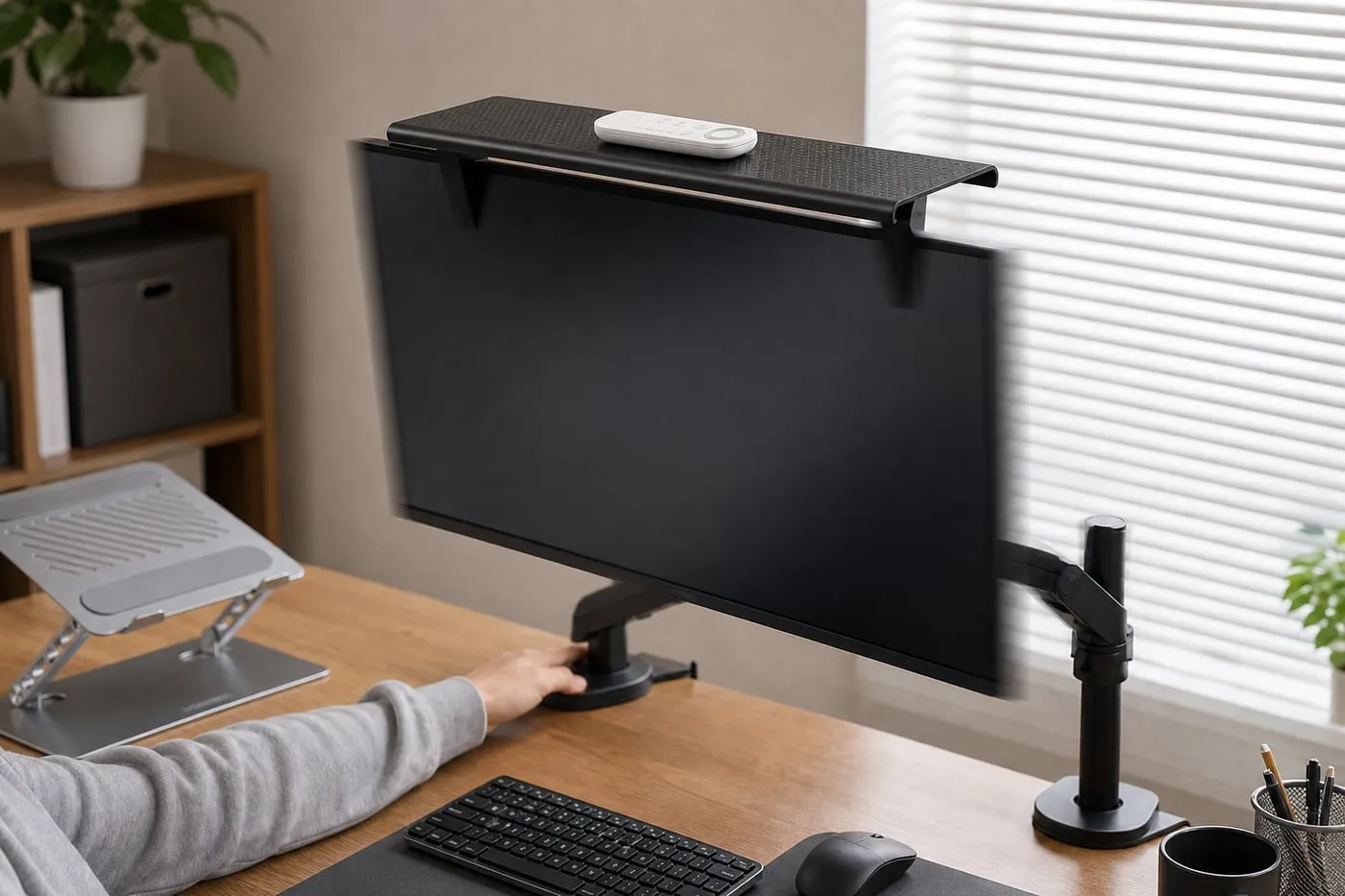
A monitor on an adjustable arm can shake more than a TV on a fixed stand. If your screen moves when you type or bump the desk, anything sitting on top will move too.
Keep weight centered. Avoid tall objects, heavy objects, and anything with a cable pulling from behind. This kind of shelf works best when it carries one or two light items quietly, not when it becomes a mini storage platform.
Screens To Avoid
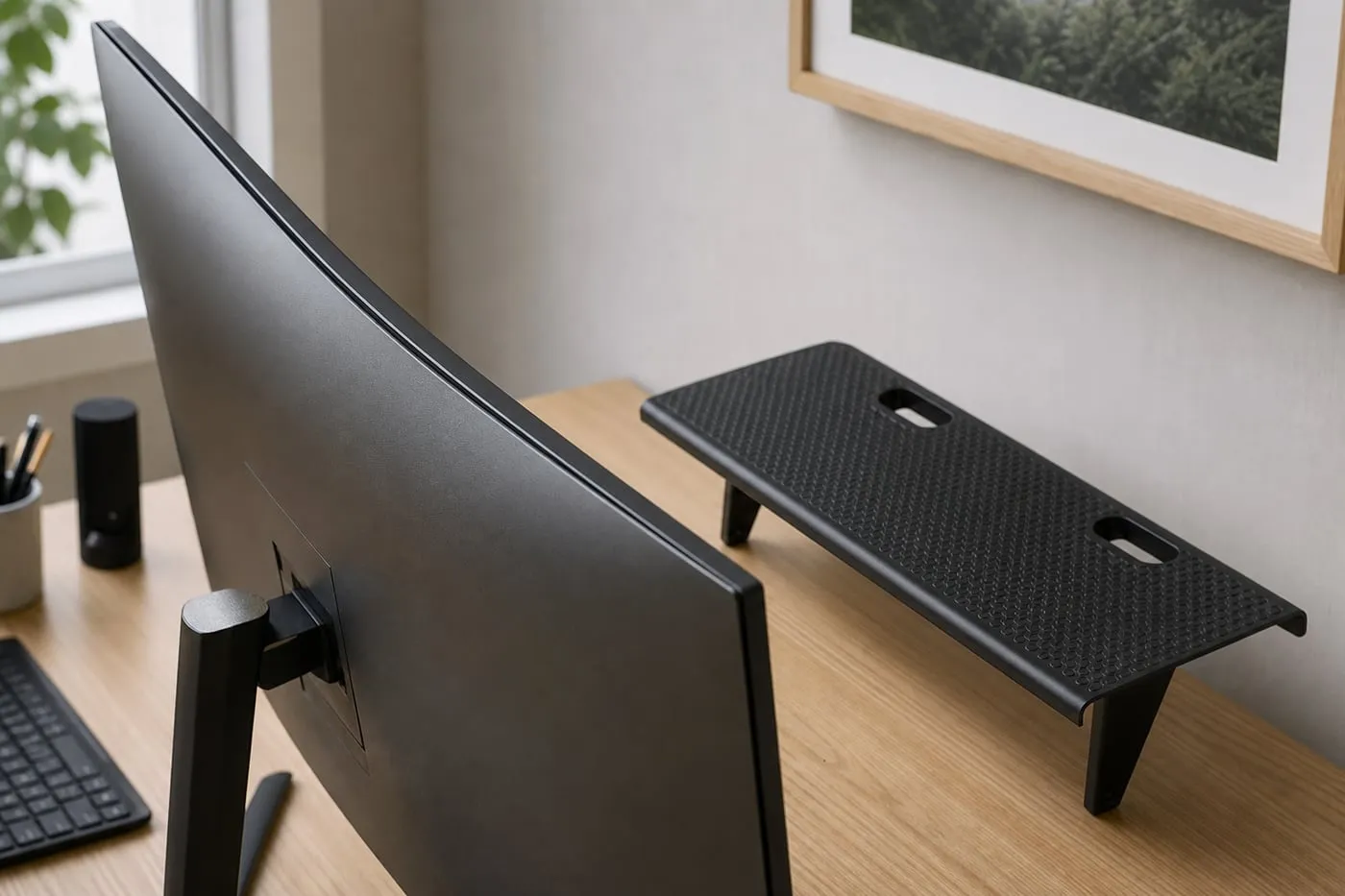
Skip this type of shelf if your monitor is curved, very thin, frameless, expensive and fragile, mounted on an arm that moves often, or has top vents, sensors, cameras, or speaker openings.
The shelf relies on the screen itself for support. Even if the accessory is inexpensive, forcing it onto the wrong display can turn a small remote-control problem into a scratched screen edge.
Verdict
This screen-top shelf is worth a look for a flat-backed monitor or TV with enough top-edge depth and a couple of lightweight remotes. It can make a desk or TV console feel a little less scattered.
It is not the right solution for fragile screens, curved backs, heavy devices, hot routers, or setups where cables pull on the shelf. Think of it as a small remote shelf, not a universal storage upgrade.