Ali review
A Small Drawer Under The Monitor Can Calm Down Desk Clutter
A practical AliExpress monitor riser with drawer review covering monitor base size, load, height, drawer clearance, and small-desk fit.
Desk clutter is rarely one big object. It is pens, sticky notes, short cables, adapters, clips, and the small things that never quite return to a drawer. The space under a monitor is often wasted, but a plain shelf still leaves clutter visible.
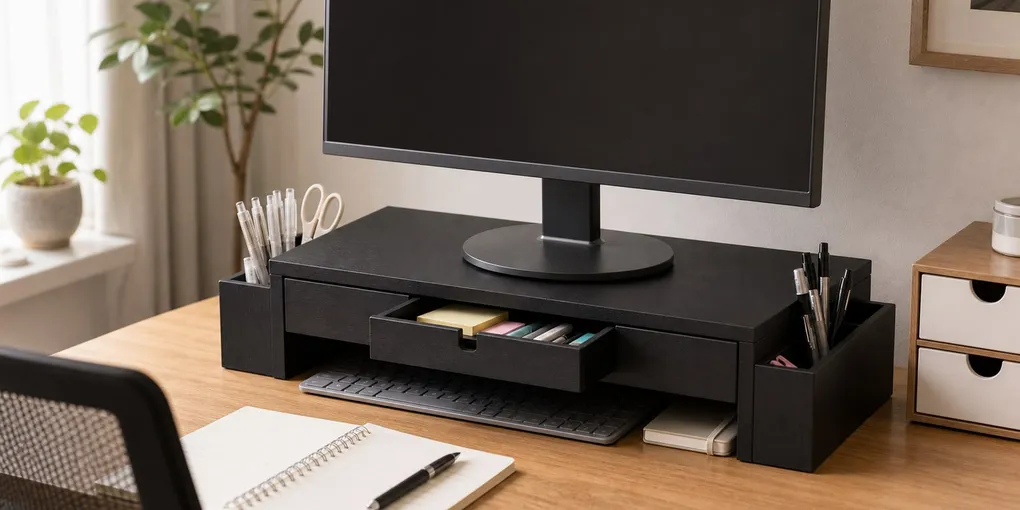
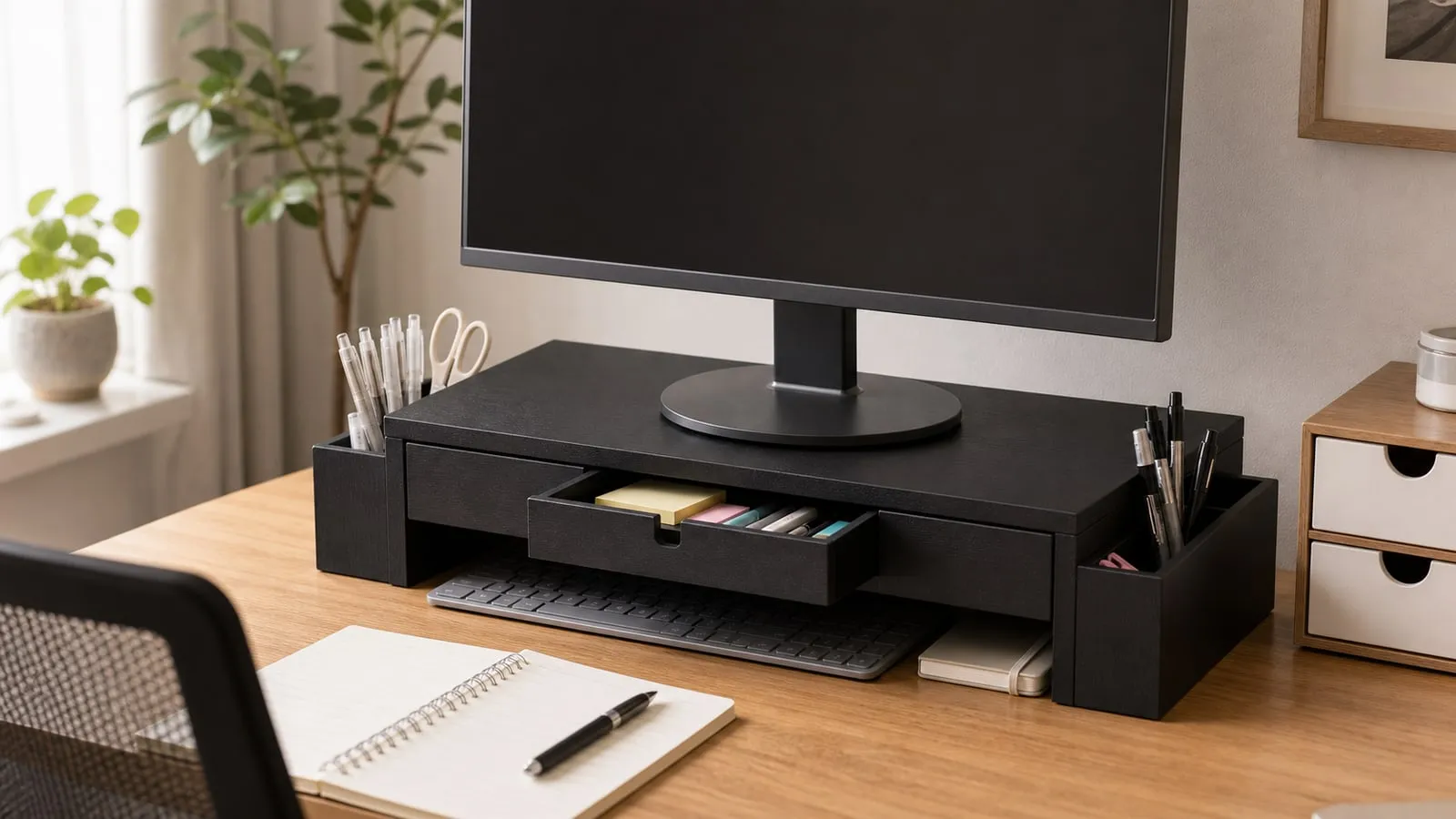
That is where a monitor riser with drawer makes sense. Based on the product photos, this is a black desk riser with a shallow front drawer and side pen-holder areas. The point is simple: raise the monitor a little and hide small desk items.
Drawer Clearance Matters More Than It Seems
The drawer is not a deep storage box. It is better for pens, sticky notes, short cables, clips, and small adapters. Thick notebooks, bulky chargers, and large accessories may not fit naturally.
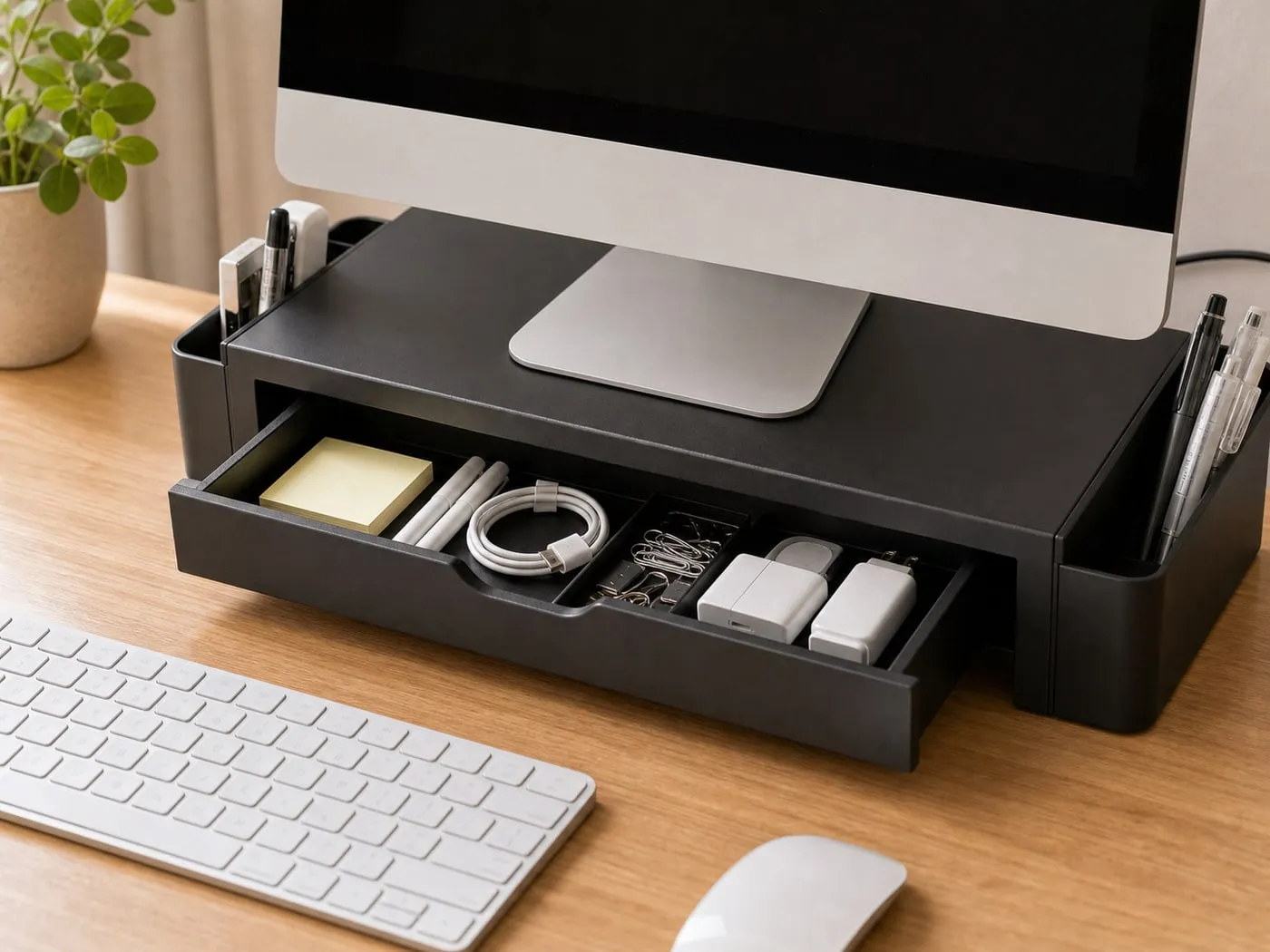
Also check the space in front of the drawer. If your keyboard or desk mat blocks it, every opening becomes annoying. On a shallow desk, the riser can move the monitor forward and make the drawer harder to use at the same time.
Height Has To Work For Your Setup
A monitor riser raises the screen, which sounds helpful until the screen is already at a comfortable height. Add a fixed riser to the wrong desk and the monitor can end up too high.
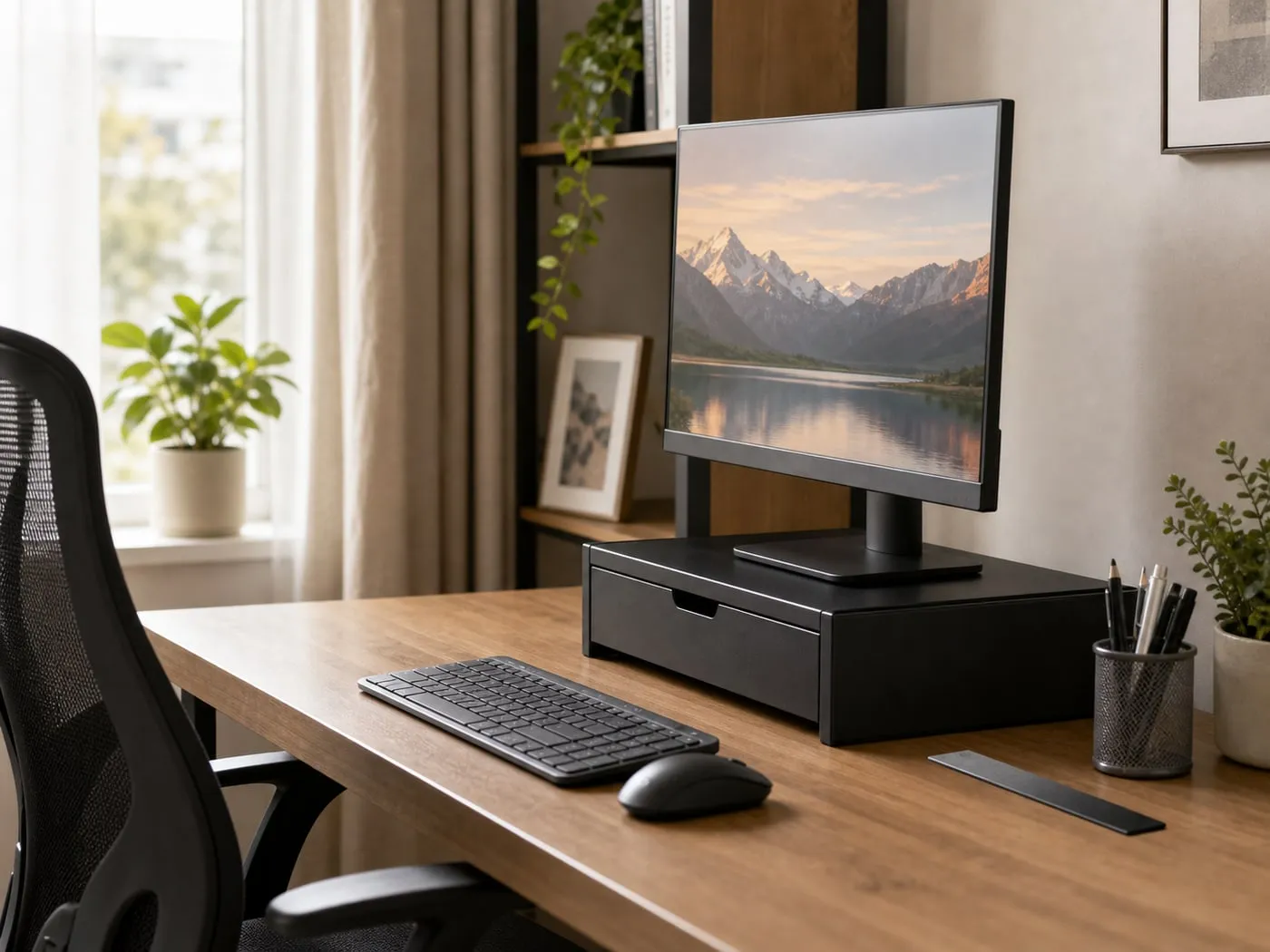
For many people, the top of the screen feels best around eye level or a little below. If you already use a monitor arm, a tall monitor stand, or a laptop stand, measure before adding another layer.
The Monitor Base Must Fit The Top Board
Screen size alone is not enough. Monitor bases vary a lot. A modest screen can have a wide, deep, or heavy base. If the base overhangs the riser top, the setup becomes less stable.
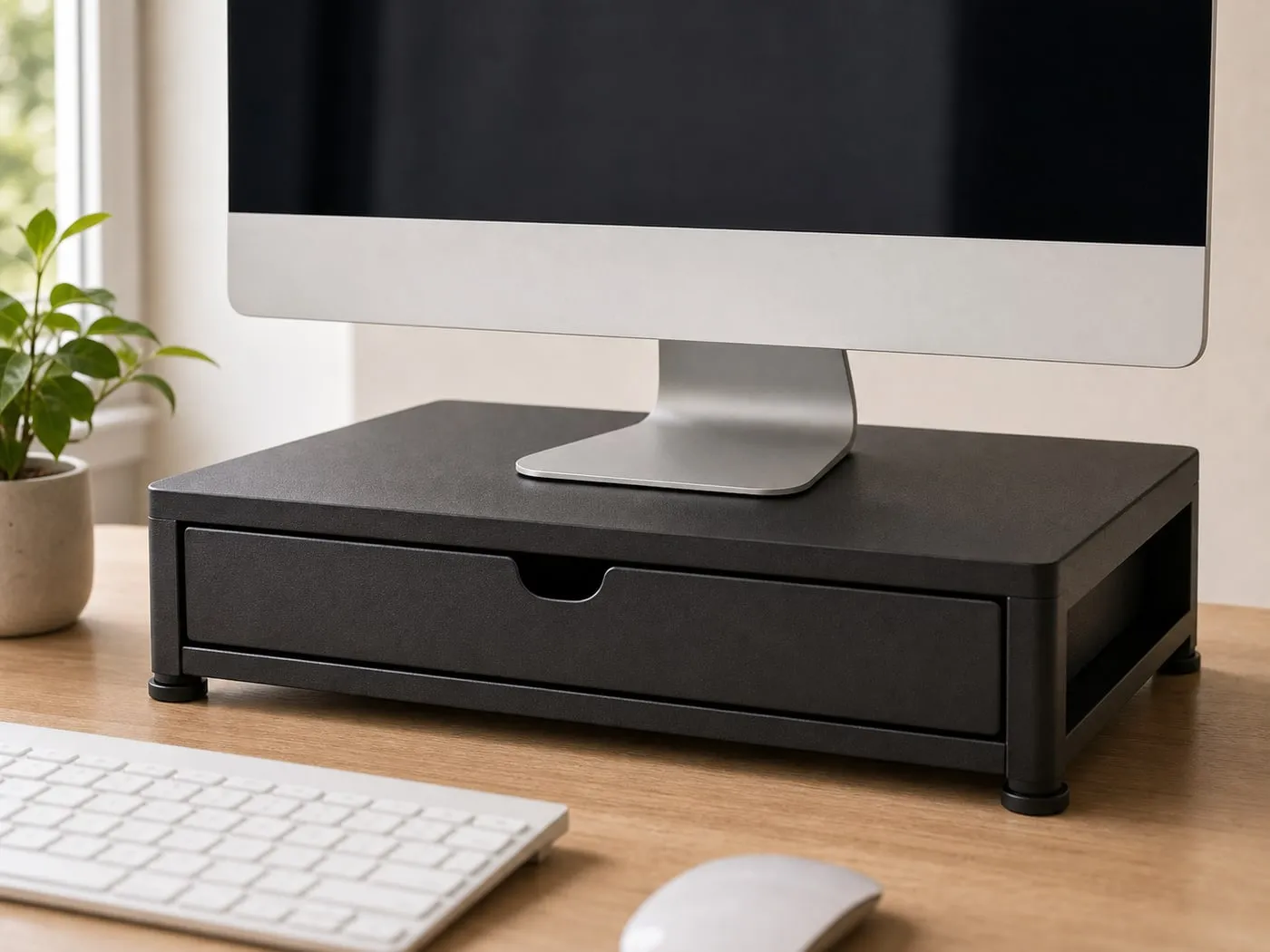
Check the monitor weight including the original stand and base. Heavy gaming displays and ultrawide monitors deserve extra caution. The safest setup is boring: base fully on the board, weight centered, and the desk itself steady.
Small Desks Can Block The Drawer
A drawer riser works best when the desk has enough depth. On a compact desk, the keyboard, mouse pad, notebook, and lamp all compete for the same front space. A drawer you cannot open easily is not much of a drawer.
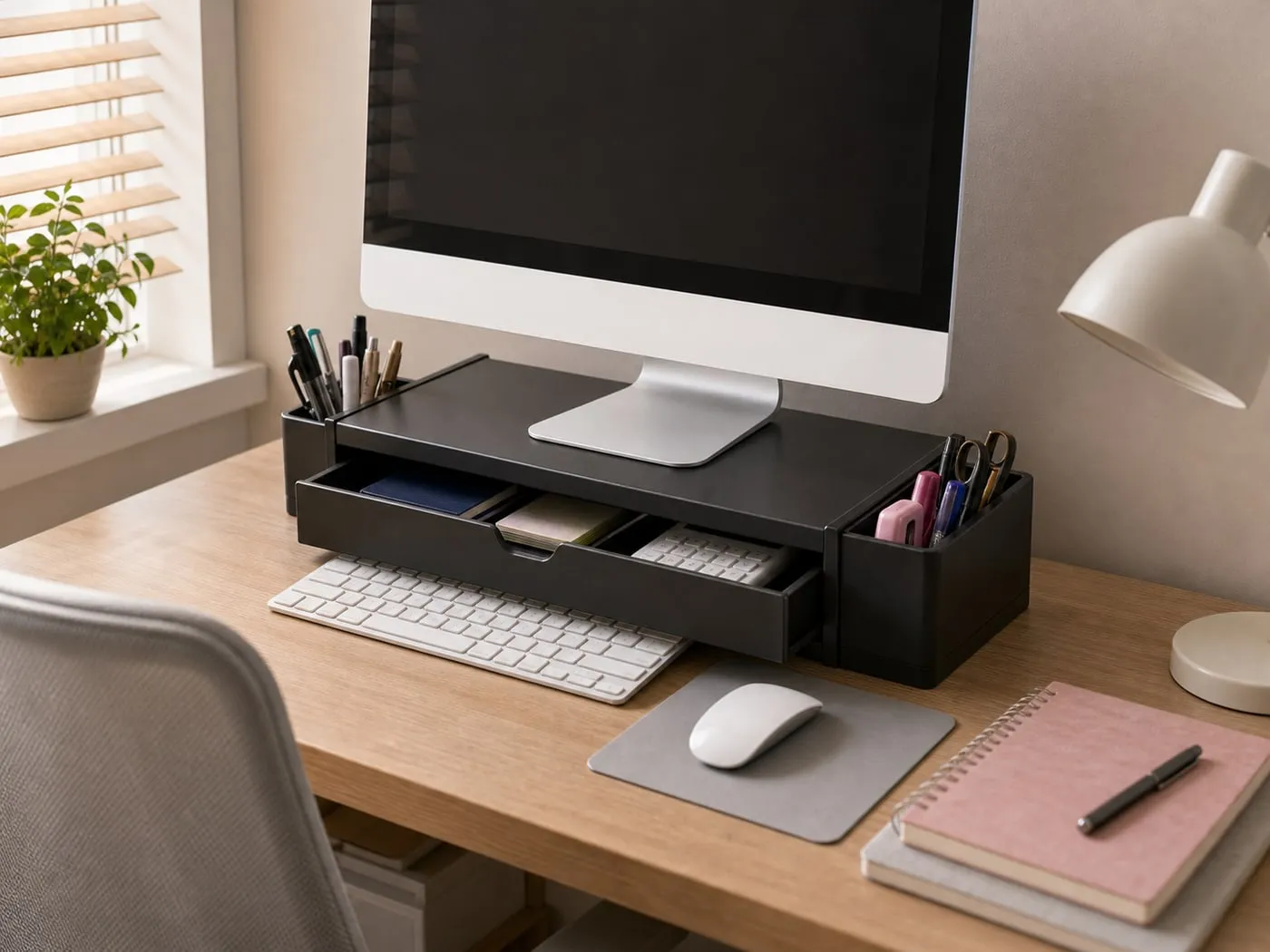
If you want to tuck the keyboard underneath, check the riser’s inner height and width too. Full-size keyboards, wrist rests, and large desk mats take more room than they look like they should.
Dual Monitors Need A Different Calculation
For two screens, a dual monitor riser is a separate comparison. At that point, width, joints, total load, and overall desk layout matter more than the drawer.
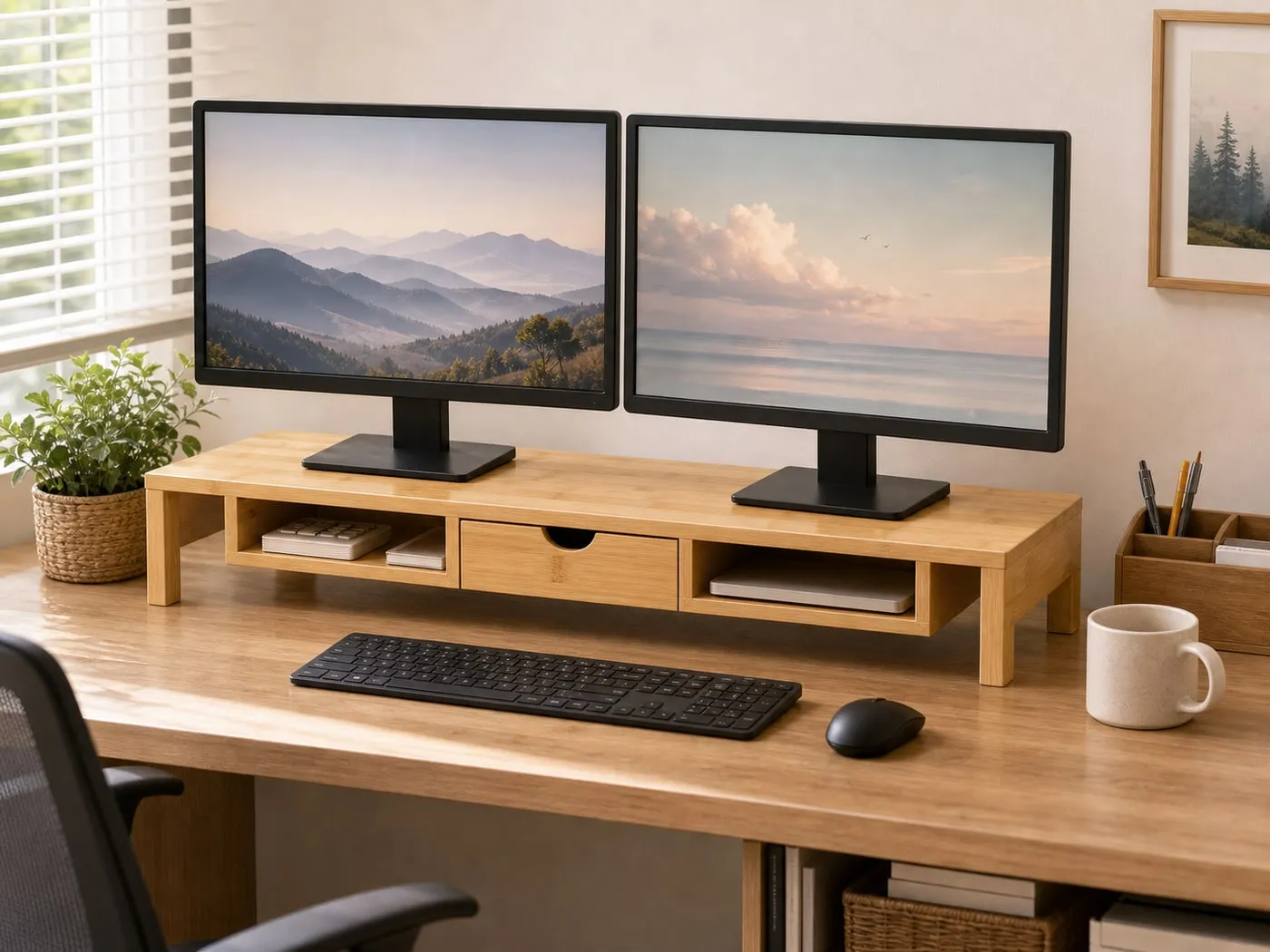
Two monitors add weight and spread. Speakers, lamps, laptops, and monitor arms can also get in the way. A single-monitor drawer riser may look tidy, but a dual setup deserves a full desk-width check.
Verdict
The monitor riser with drawer is worth considering if small items keep taking over your desk and you want to use the space below the monitor better. The drawer is best for small clutter, not bulky storage.
Before buying, check monitor base size, actual monitor weight, riser height, drawer clearance, and desk depth. When those line up, the desk can look much calmer. When they do not, the riser becomes one more thing on the desk.