Ali review
A Desktop Cable Box Only Helps If the Plugs Fit
A practical AliExpress look at a ribbed oval desktop cable organizer box: inner size, plug height, cable exits, lid access, desk footprint, plastic odor, scuffs, and dust.
Desk cables have a way of coming back into view. A few charging leads, small adapters, and cable tails behind a monitor can make the whole desk feel busier than it really is.
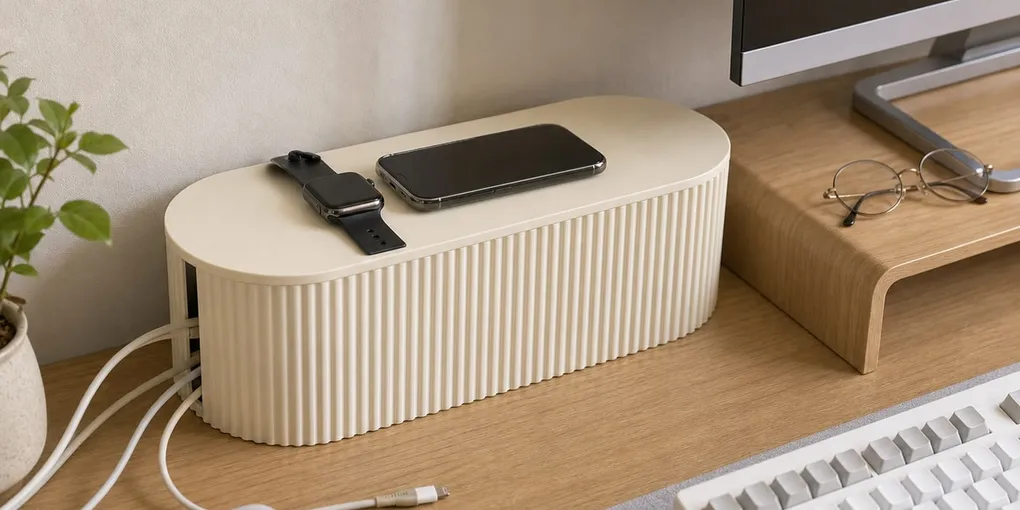
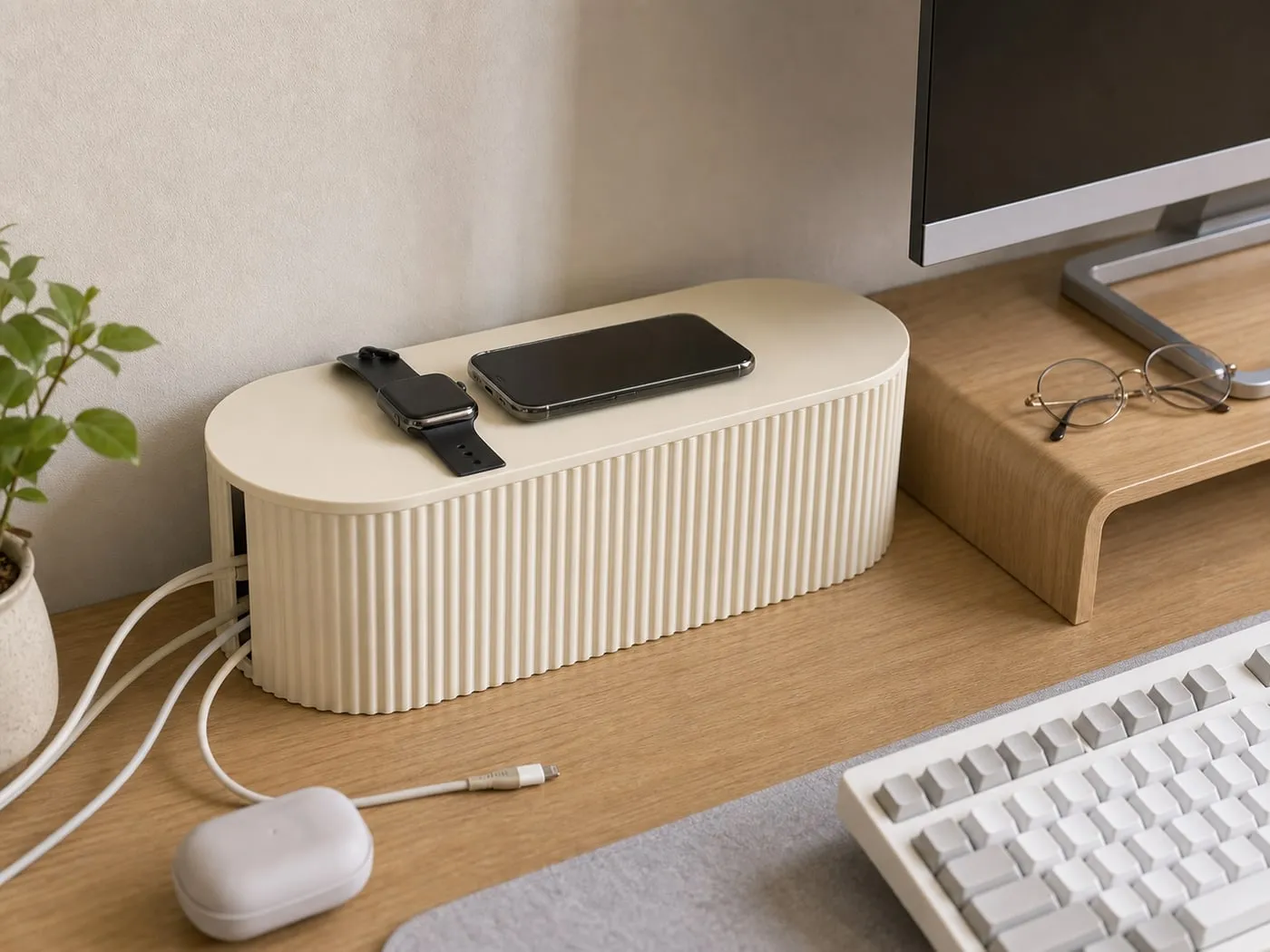
The product here is a ribbed oval desktop cable organizer box. It is a cream-colored lidded cover box with vertical ribs and side cable exits, meant to make visible desk cables look more contained.
Inner size comes first
The box only works if the things inside fit comfortably. Check the inner length, width, and height against the adapters, cable heads, power bank, and loose cable loops you plan to place inside.

Tall plug heads and stiff cables can need more room than product photos suggest. The lid should close without pressing cable bends into awkward angles.
Cable exits need to match the desk
A cable box does not make cables disappear. It just routes them through cleaner exits. If the opening points away from your monitor, charger, or wall outlet, the cable may loop around the desk and look messier.

Avoid forcing thick cords into sharp turns just to close the lid. Leave enough bend room so cables can exit without being pinched at the edge.
A lid looks clean but needs access
A lid makes the desk look calmer, but it also adds one more step when you need to swap a charger or reach something inside. If your setup changes often, check whether the lid is easy to lift after cables are routed.
Also avoid turning the lid into a storage shelf. A phone or glasses are a reasonable light top use; stacked books make it harder to open the box.

It still takes desk space
The box hides visual clutter, but its footprint stays on the desk. On a narrow desk, it can take space from a keyboard, mouse pad, monitor stand, notebook, or lamp.
It usually makes more sense near the wall, behind a monitor, or in the corner where cables already gather. Leave a little space behind it so the side exits do not force tight cable bends.
Plastic finish has tradeoffs
The ribbed cream body looks softer than a plain utility box, but plastic still has normal tradeoffs. New parts may have packaging odor, and the box is worth airing out before placing it near a bed or closed desk corner.

The ribbed sides can also catch dust, and light plastic can show scuffs or cable rub marks. If the box will stay visible, surface finish matters more than it would inside a drawer.
Transparent storage is a different use
For spare cables, a transparent cable storage box can be the better comparison. It helps you see what is inside, but it does not visually hide a messy tangle.

Think of the ribbed box as a visible desk cover and the transparent box as spare-cable sorting. They solve different versions of the same clutter problem.
When to skip it
Skip this kind of box if your setup involves large strips, several thick cords, questionable cables, or bulky adapters that barely fit. The box is a visual organizer, not a device that decides whether the contents belong enclosed.
It is also a weak fit when desk space is already tight. The cables may look cleaner, but the box itself still occupies the work surface.
Verdict
The ribbed oval desktop cable organizer box is worth checking if small desk cables and adapters keep taking over your view. Its job is visual organization.
Before buying, check inner dimensions, plug height, cable exits, lid access, desk footprint, and cable bend room. If those details line up, the desk can look calmer; if the contents are bulky or awkward, a different cable setup may work better.